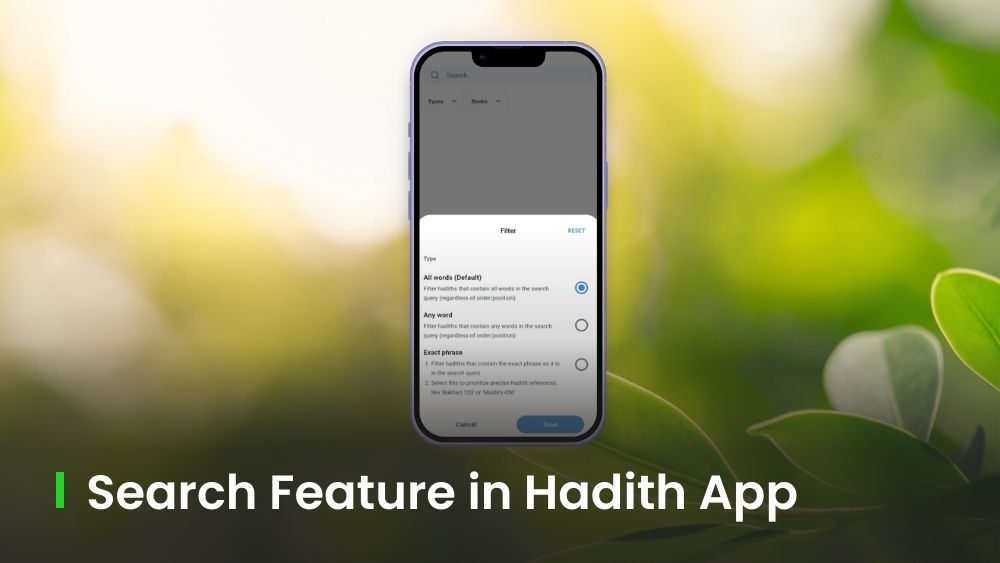
Looking for a specific Hadith? The Search feature in the Hadith Collection App makes it quick and effortless to find exactly what you need. Let’s explore how it can benefit you!
How to Search for Hadiths in the App?
1. Simply tap the Search (🔍) icon at the bottom of the screen.
2. Type a word, phrase, or Hadith reference number.
3. You can also use filters to refine your search by search type (such as All Words, Any Word, or Exact Phrase) or by books, to get the most accurate results.
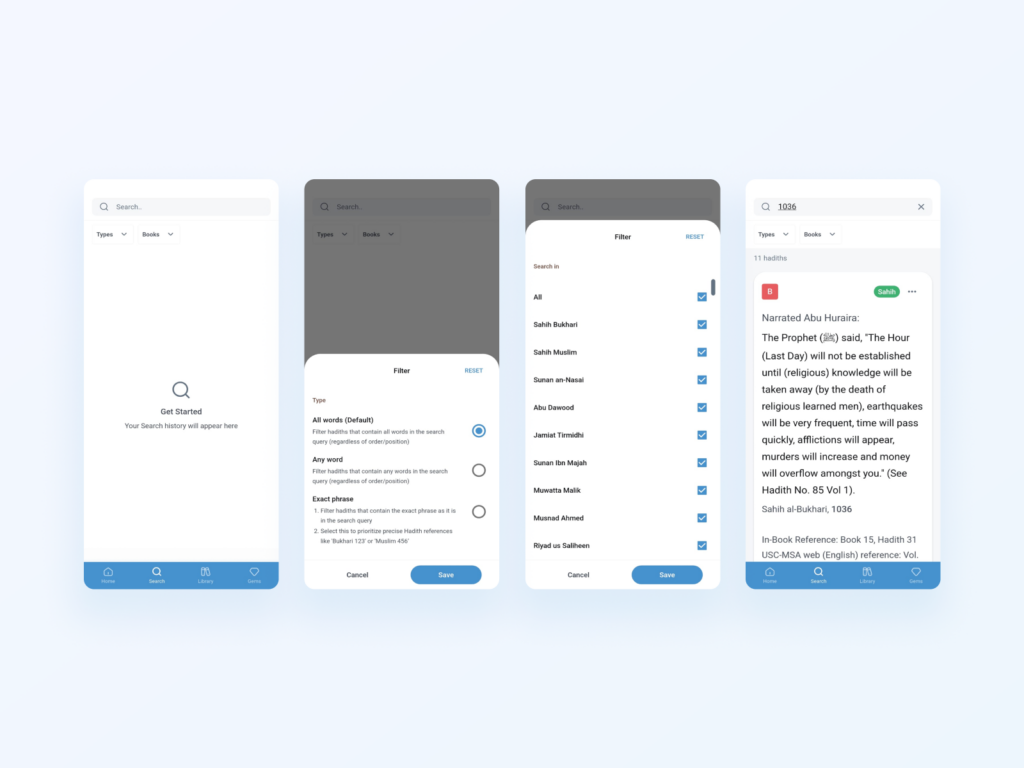
From the search results, you can:
- Mark Hadiths as Read by tapping the checkmark button.
- Bookmark, Copy, or Share any Hadith directly from the result card.
- Tap on the Hadith Card to open it within its original collection and explore related Hadiths for better context.
- View Similar Hadiths or Narration Chains to deepen your understanding.
With the Search feature, finding the words and wisdom of the Prophet ﷺ is just a few taps away. It is fast, focused, and reliable.
📲 Download the Hadith Collection app, if you haven’t it yet: Android | iOS
Leave a Reply